Pixel art maker
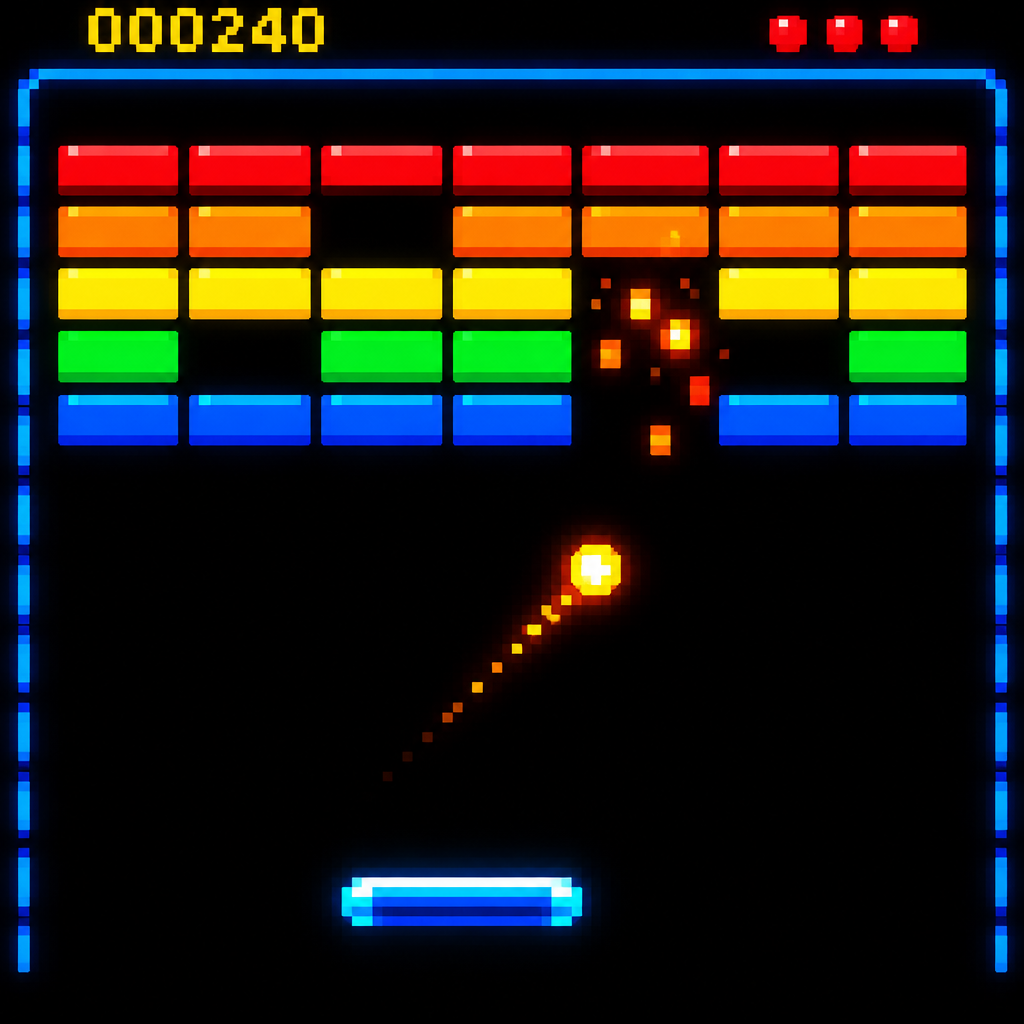
Classic pixel editors hand you an empty grid and a pencil tool. Here you describe the picture and the AI draws it, which is handy when you need an idea fast or do not draw. Change anything afterwards by typing an instruction such as make the cloak red.
Make pixel art2 free credits when you sign in with Google
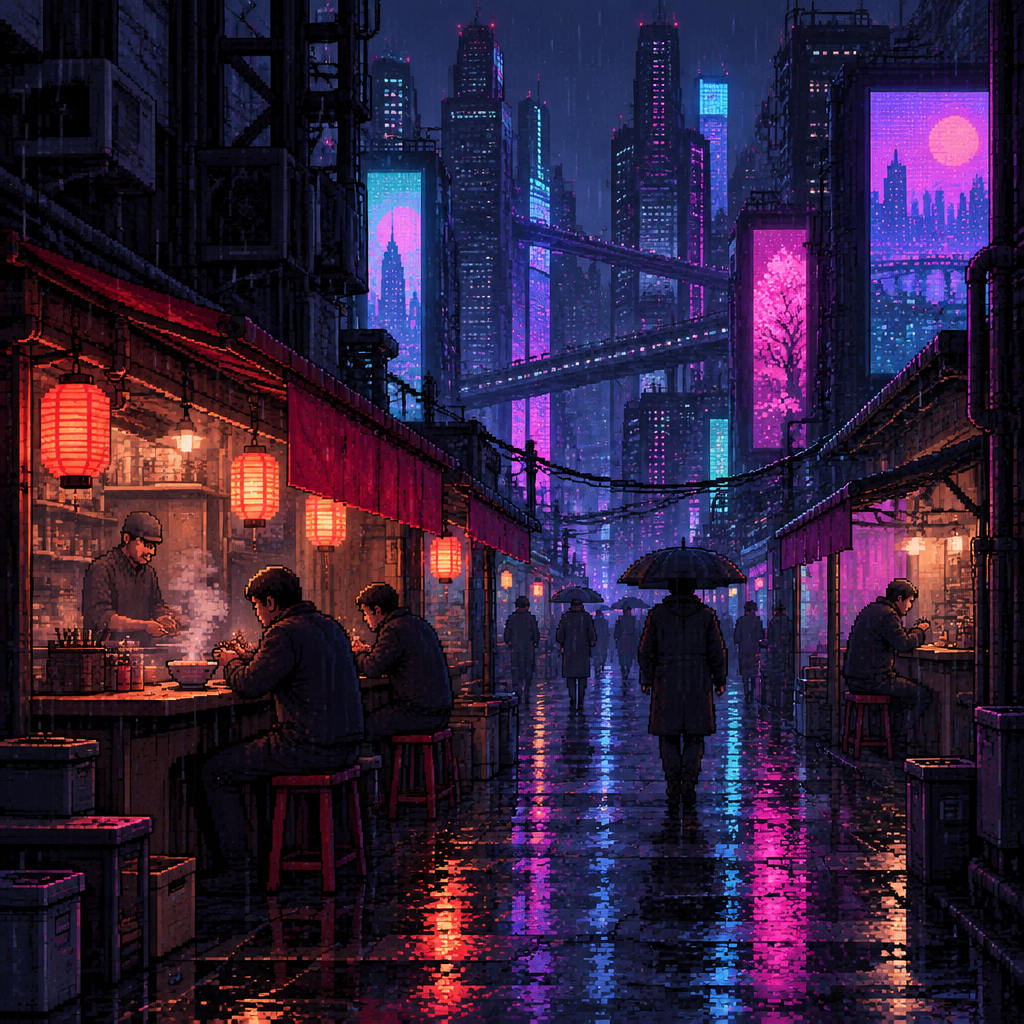
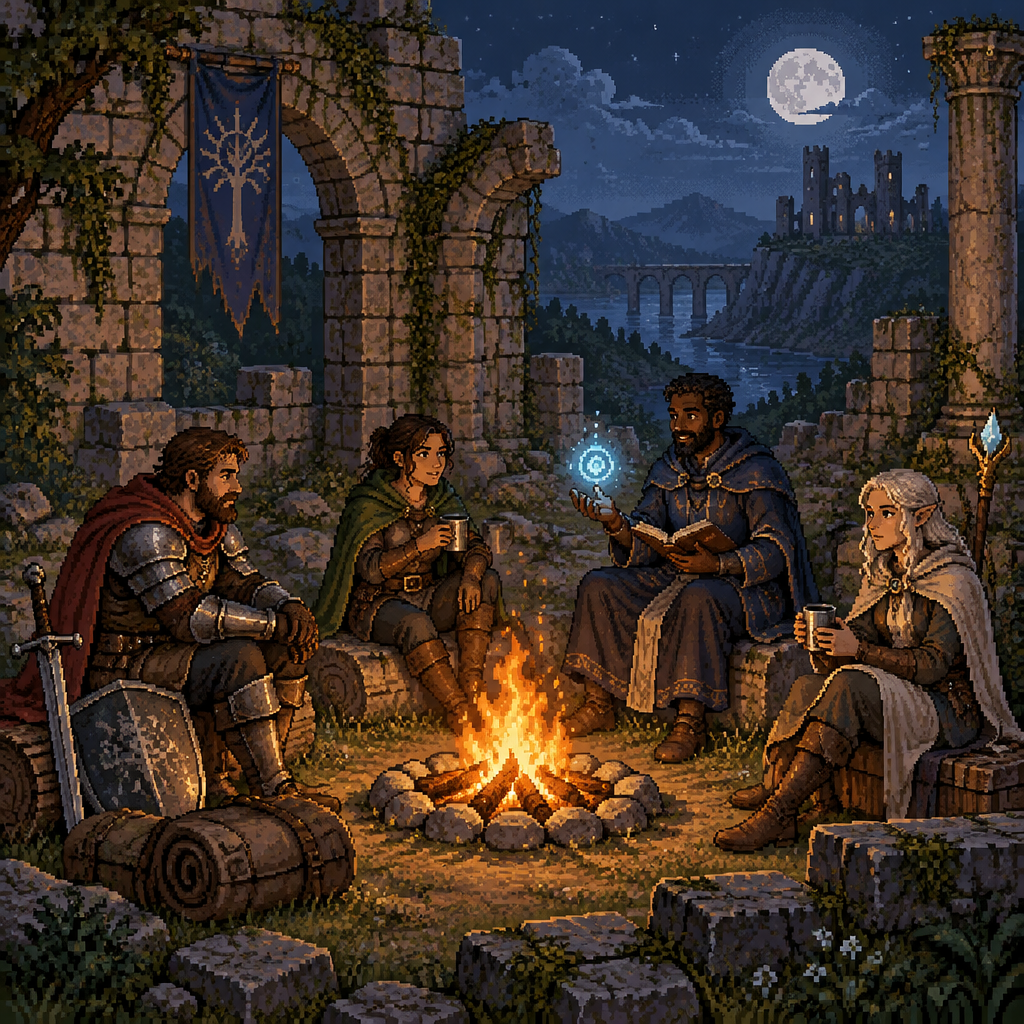

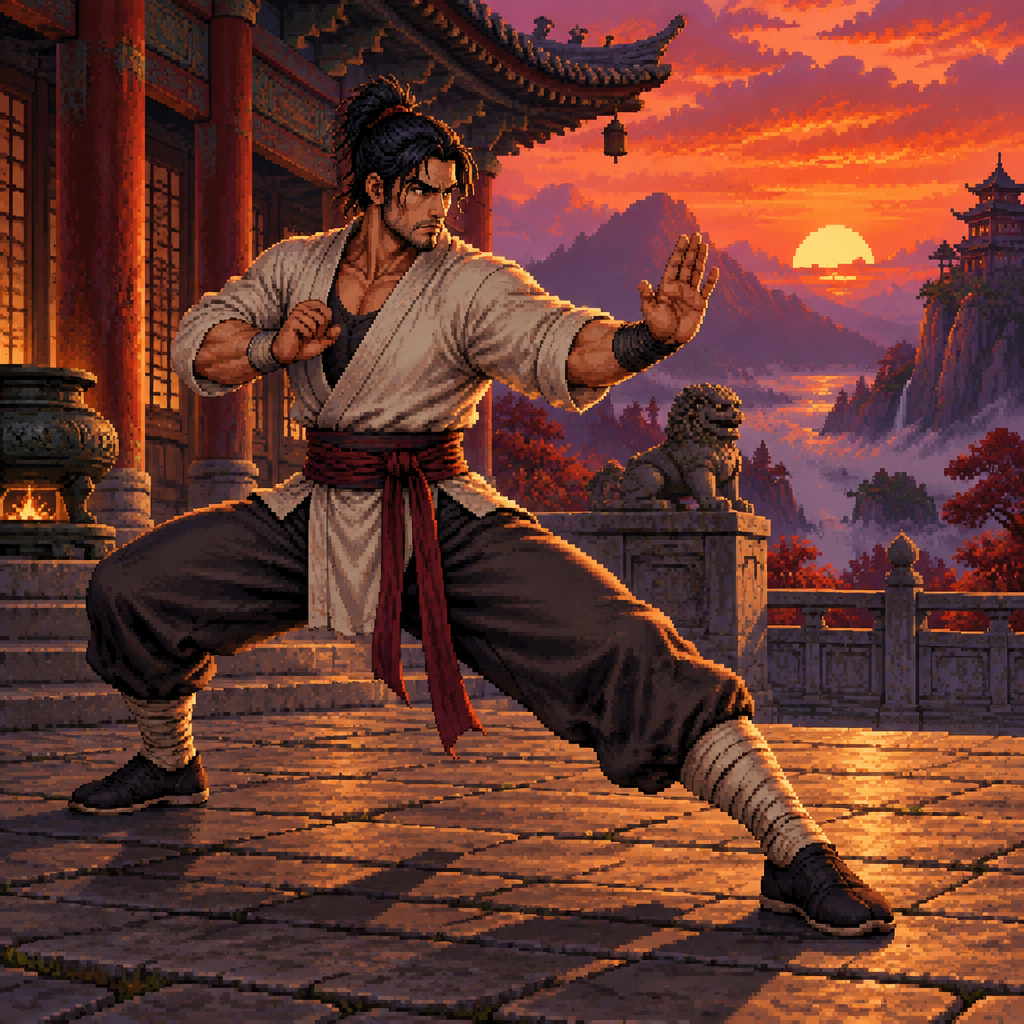
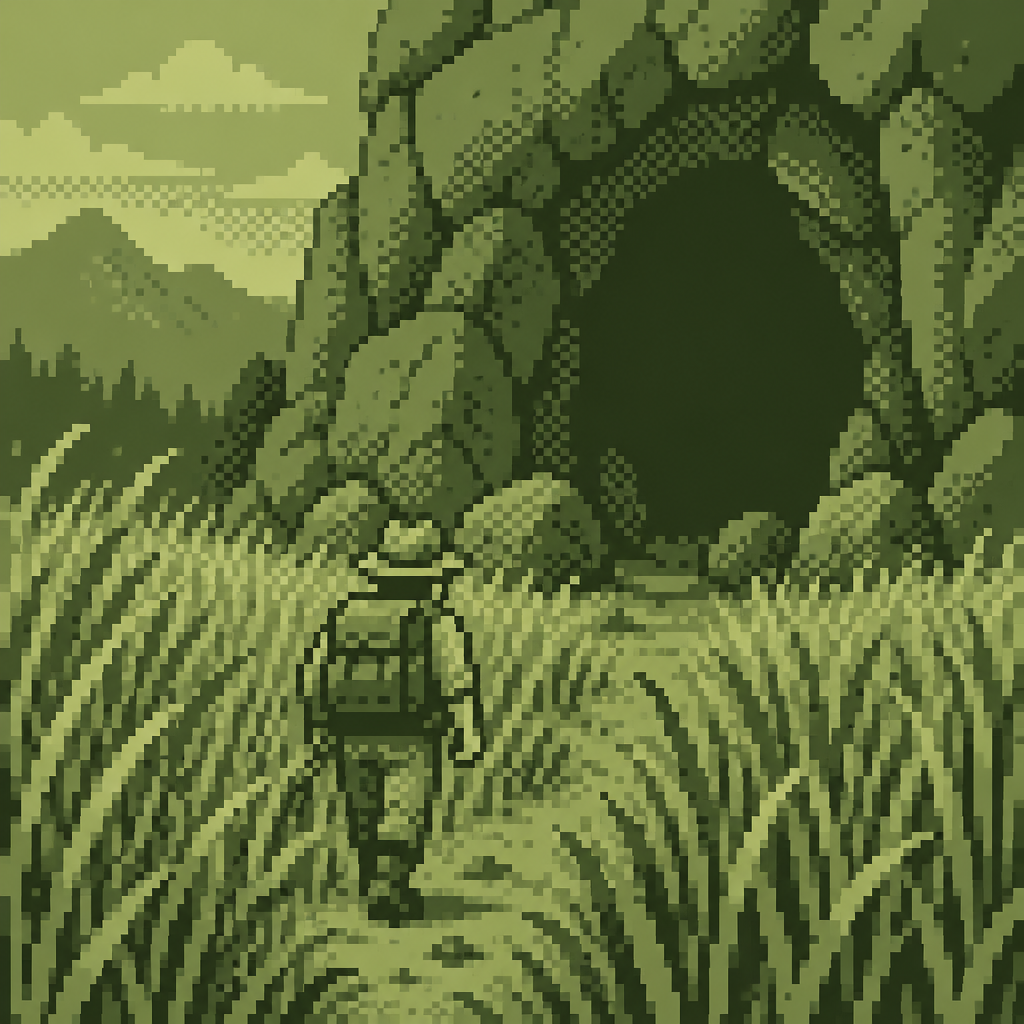
How it works
Step 1
Describe the picture
Subject, setting and mood are enough. Mention colors if they matter.
Step 2
Choose the look
Set the era with 8-Bit, 16-Bit or 32-Bit, or the technique with Dithered, Limited Palette or Monochrome.
Step 3
Adjust with words
Use Edit to swap colors, add props or change the time of day without starting over.
- No grid, layers or drawing skills needed
- 48 styles covering eras, palettes and subjects
- Plain-English editing after you generate
- Upscale a favorite for a larger file
From the community gallery
Nothing to show here yet
You can make somethingand share it to the gallery.