Turn a photo into pixel art
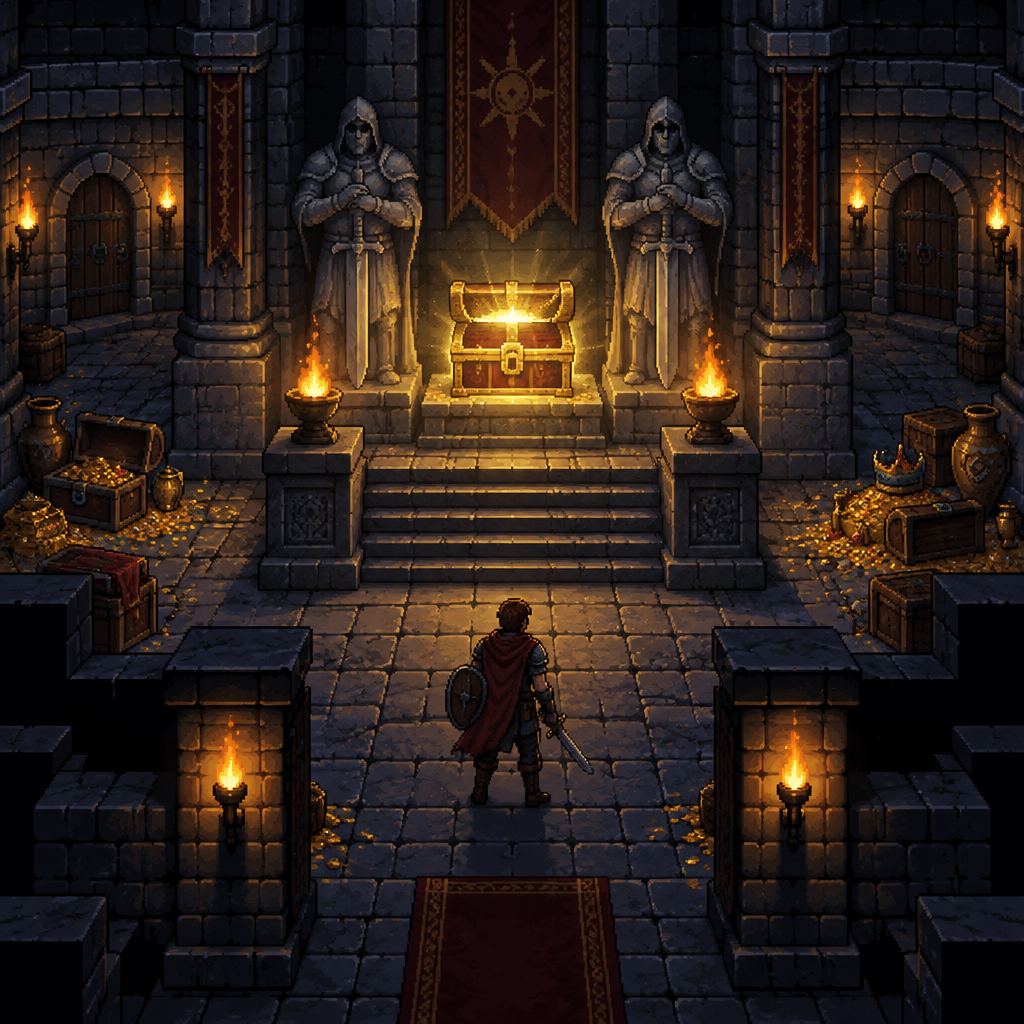
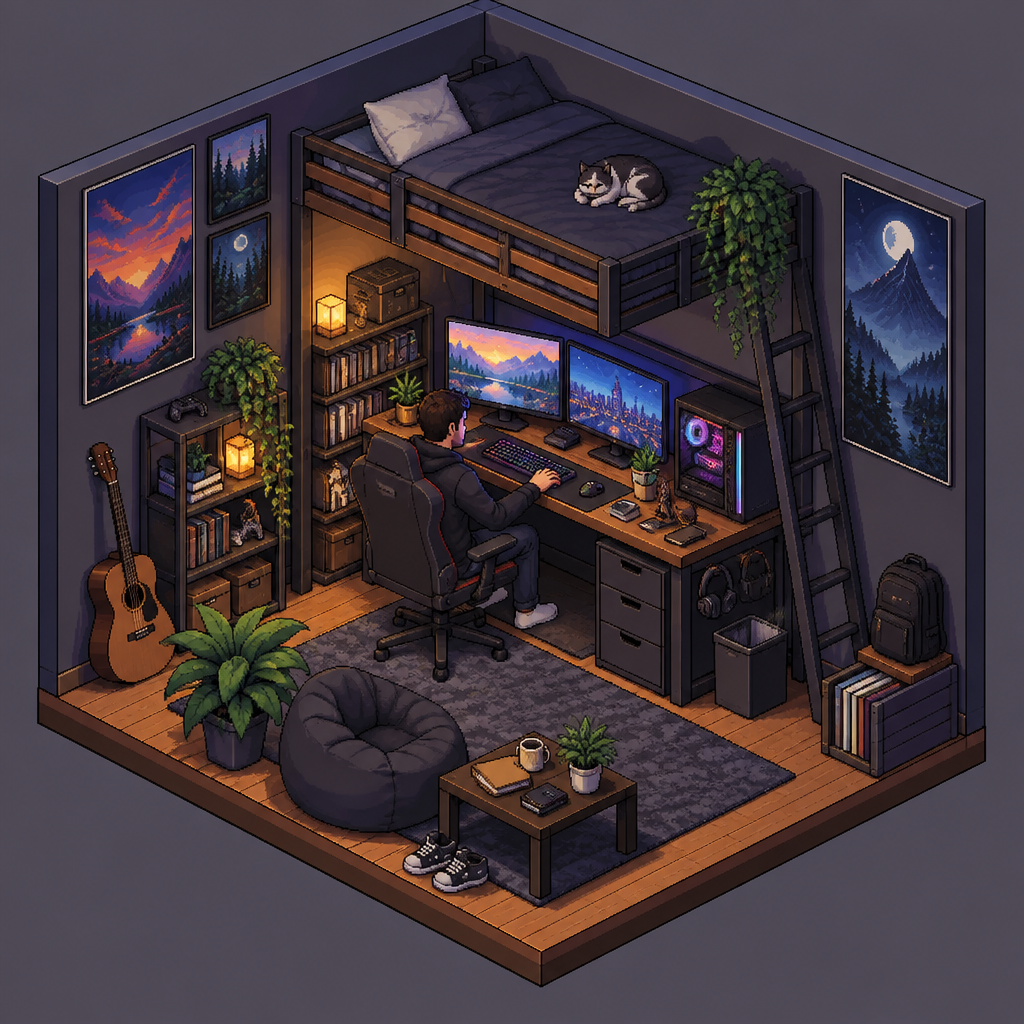
A pixelate filter only blurs a photo into squares. This tool redraws your picture as pixel art instead, with outlines, a reduced palette and shading placed in clusters. Upload a selfie, a pet or a favorite view and choose how retro you want it.
Convert a photo2 free credits when you sign in with Google
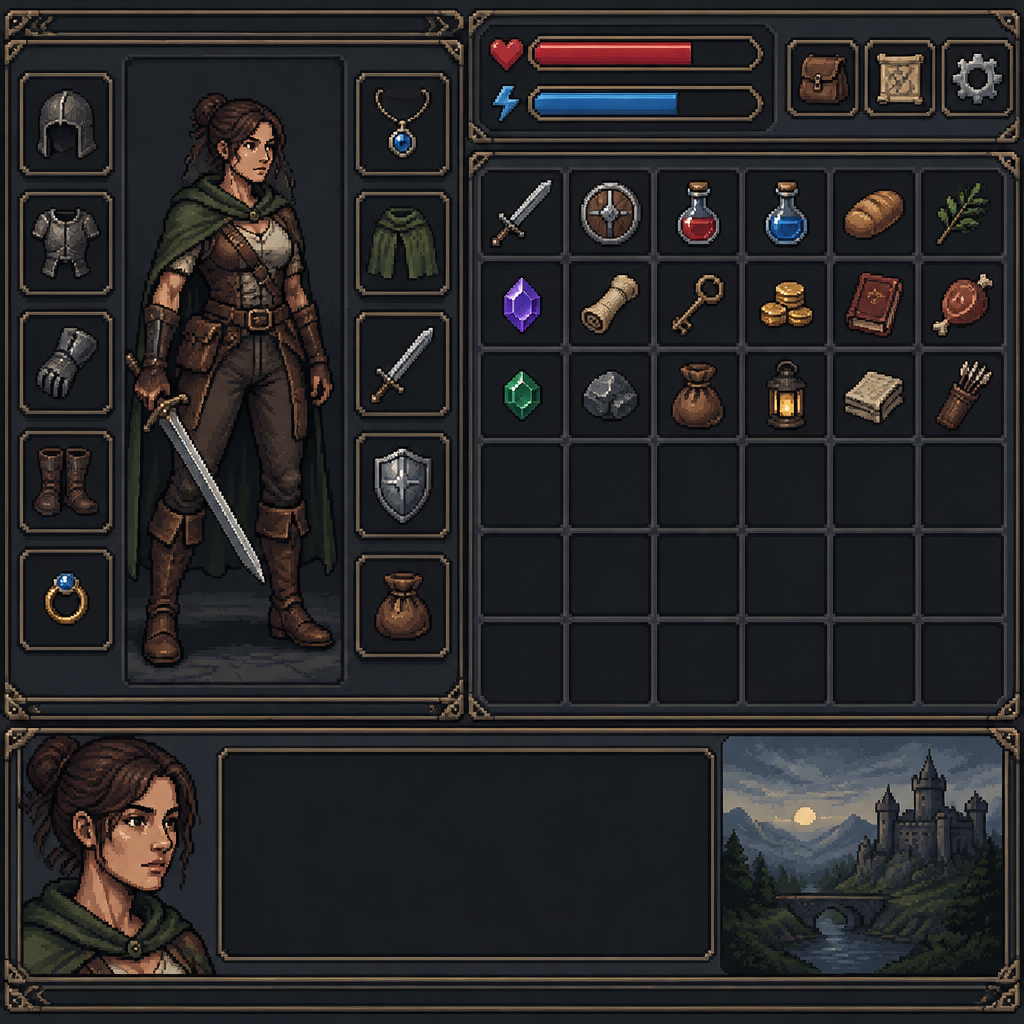
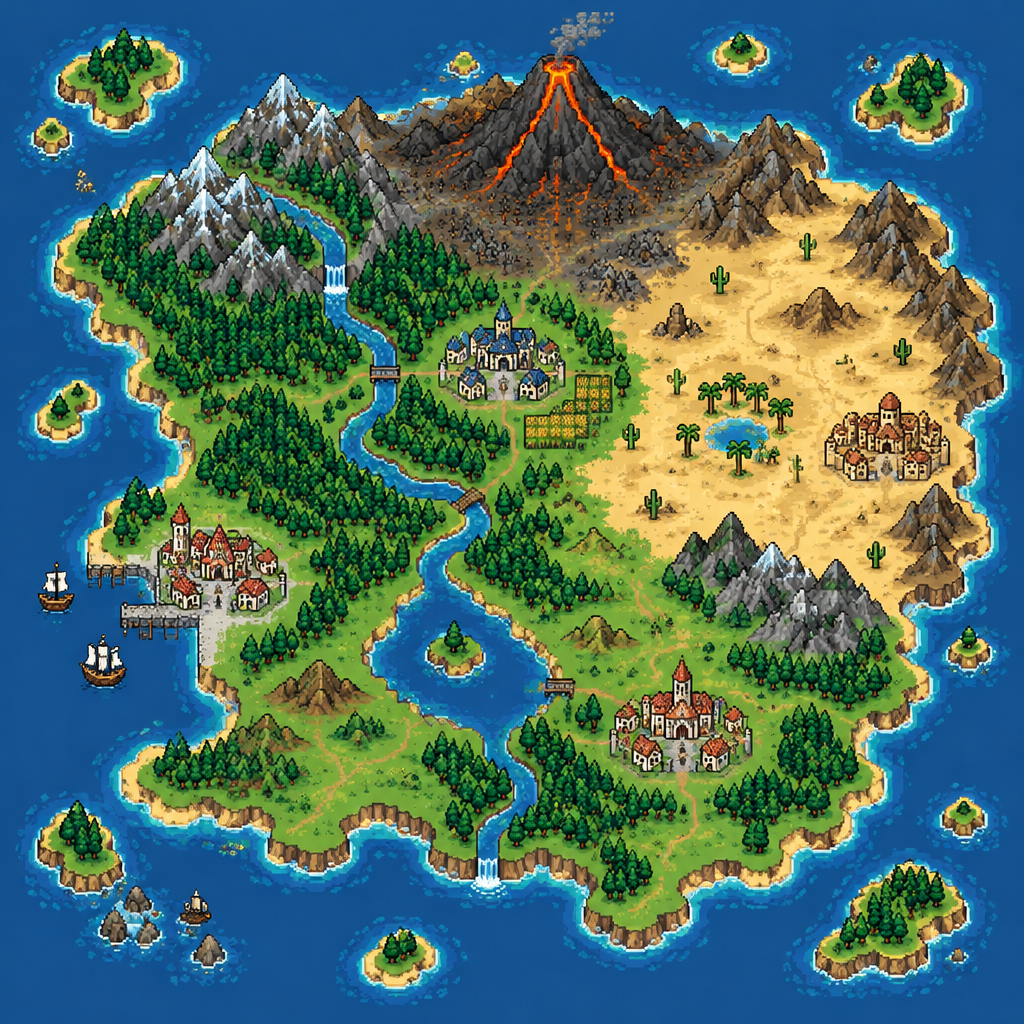
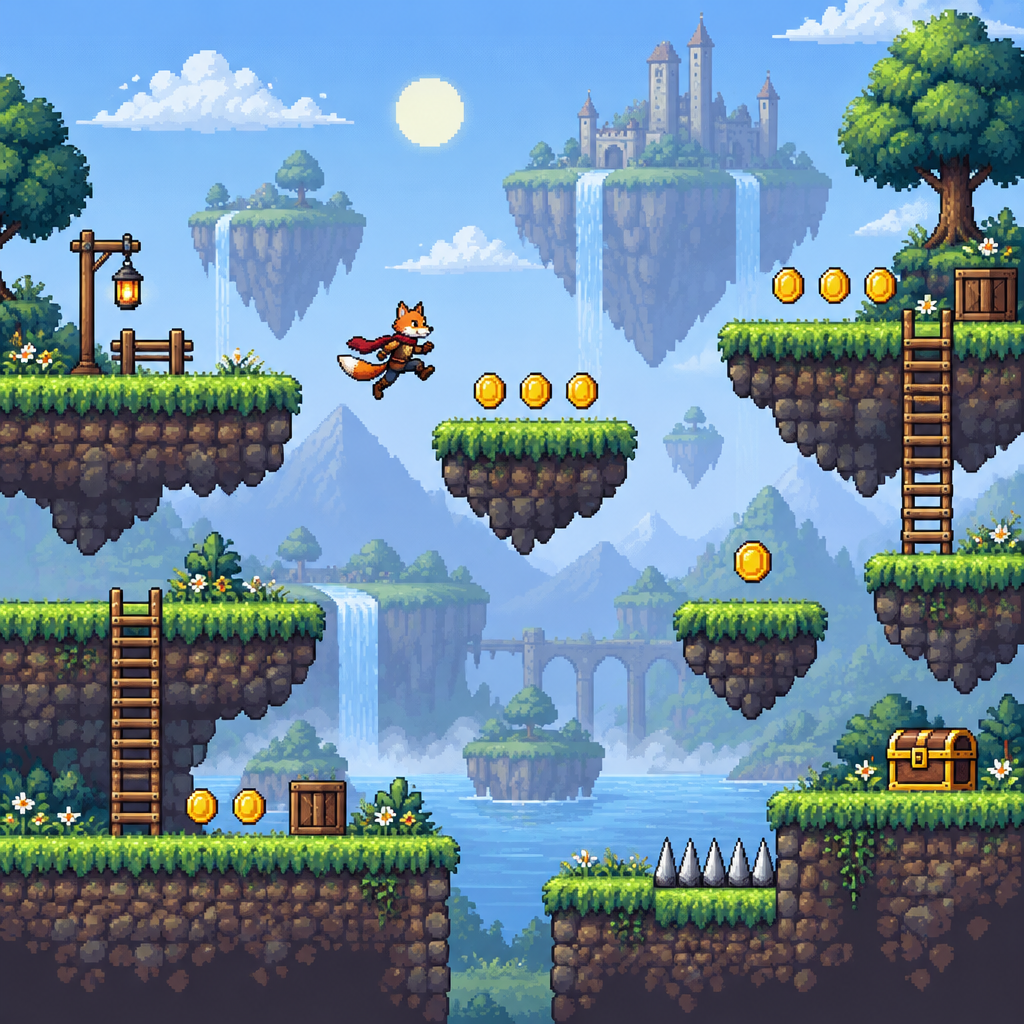
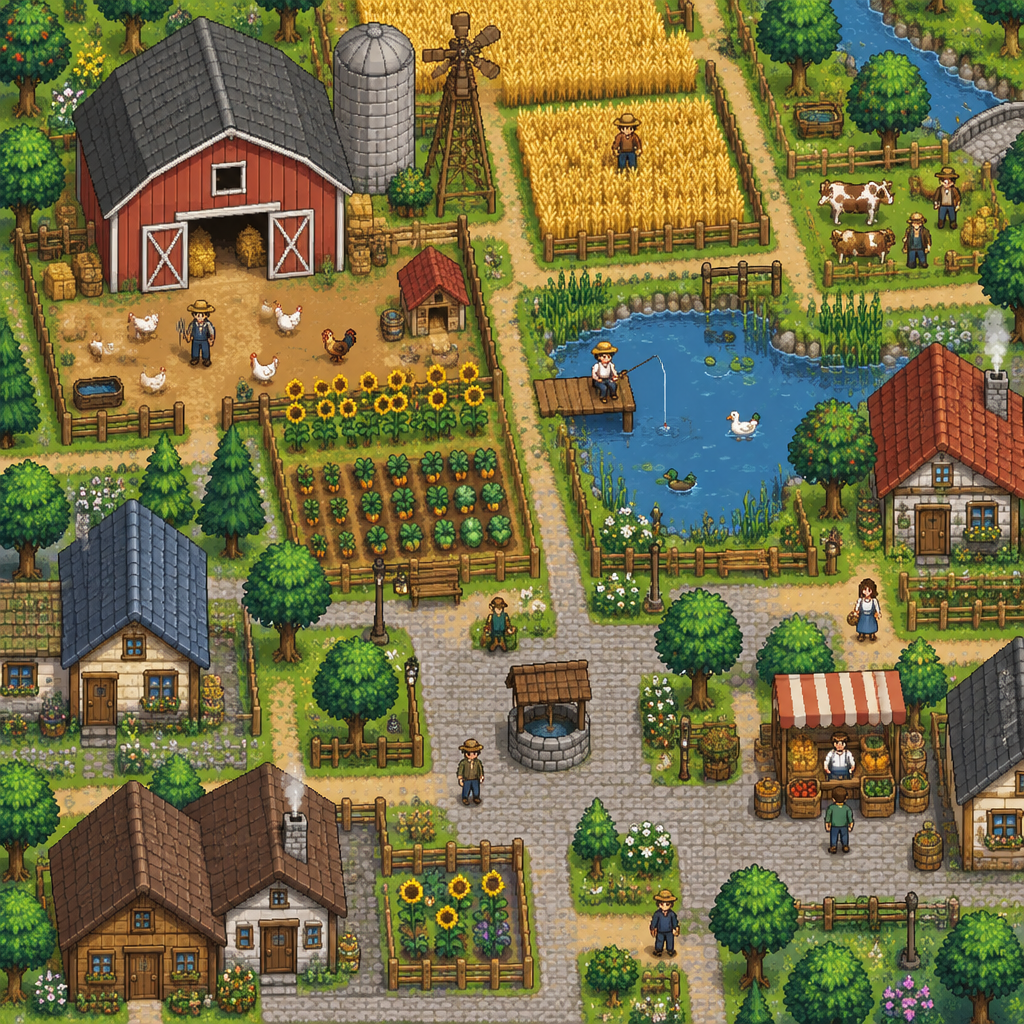
How it works
Step 1
Upload a photo
Portraits, pets, buildings and landscapes all work. Clear, well-lit pictures give the AI more to go on.
Step 2
Pick a style
Portrait and Avatar suit faces, Animal suits pets, and Landscape or 16-Bit suit places.
Step 3
Generate
Add an optional note such as make it a snowy evening, then download or edit the result.
- Redrawn as pixel art, not just blurred into blocks
- Works with people, pets, places and objects
- Optional text note to steer colors, setting or mood
- Edit the result afterwards in plain English
From the community gallery
Nothing to show here yet
You can make somethingand share it to the gallery.